This document describes how to purchase a Personal Training package (PT Package) within CReME™ that will be delivered at a destination outside the club.
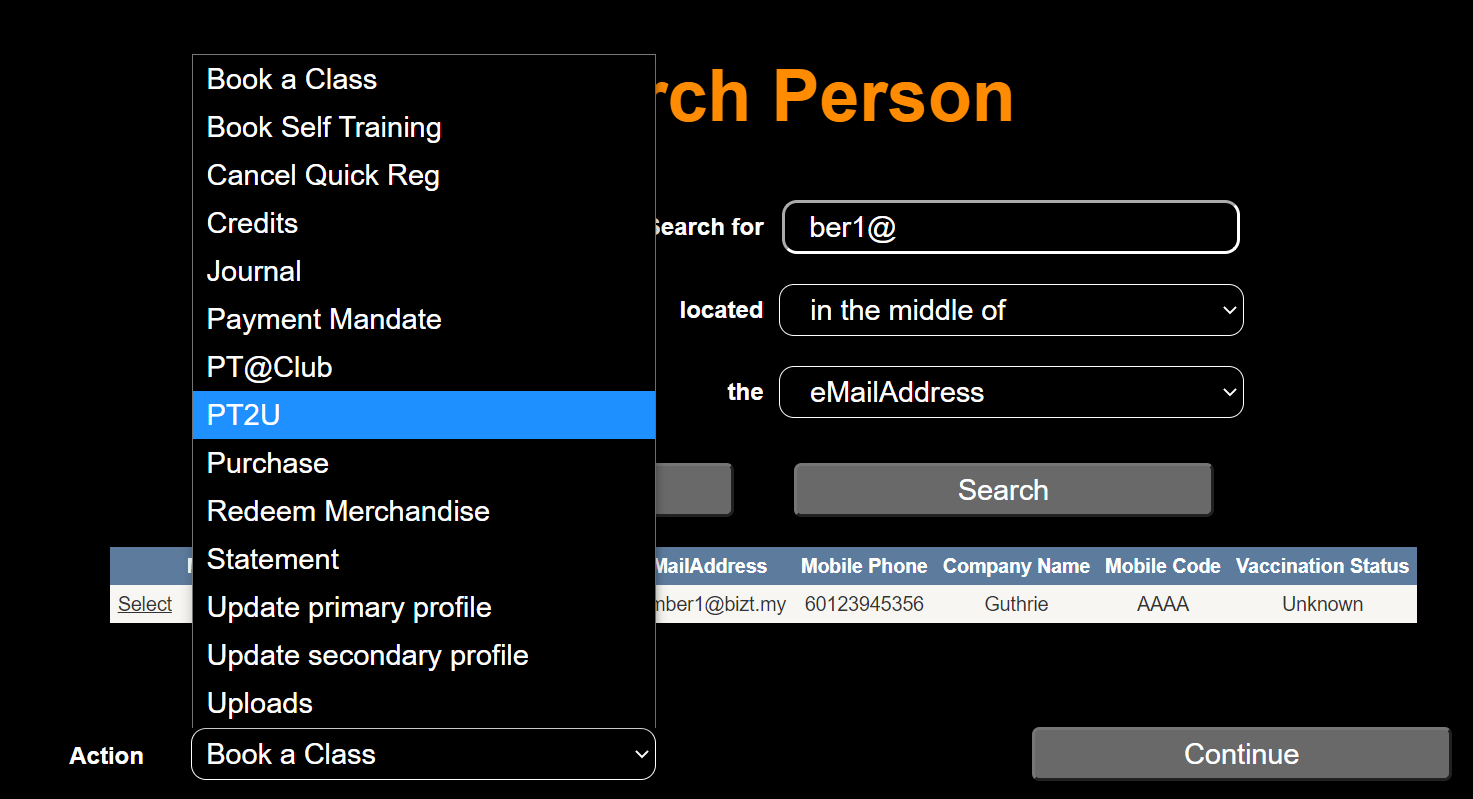
Search Person
After successfully performing a "Search Person" within CReME™, select "PT2U".
Personal TrainersSelecting the "PT2U" option in "Search Person" brings the user to the Personal Trainers page.
Personal Trainers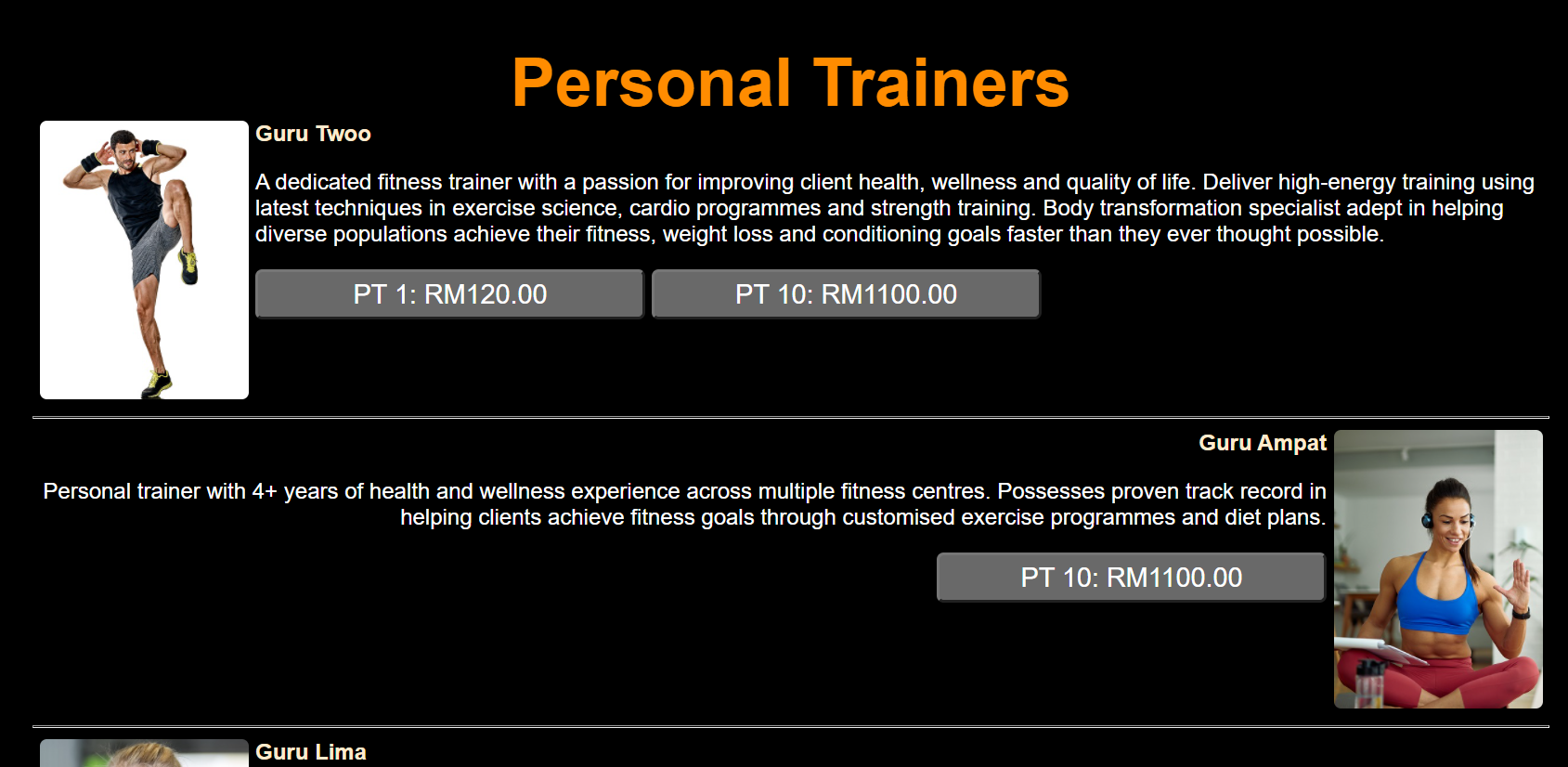
The Personal Trainers page displays a list of Personal Trainers. In the example above, we see the name of the topmost trainer (Guru Twoo), the trainer photo, description (A dedicated fitness trainer...) and the package buttons (PT 1: RM120.00 & PT 10: RM1100.00). Each trainer has their own button(s) which may be the same or a different package from other trainers.
Input Address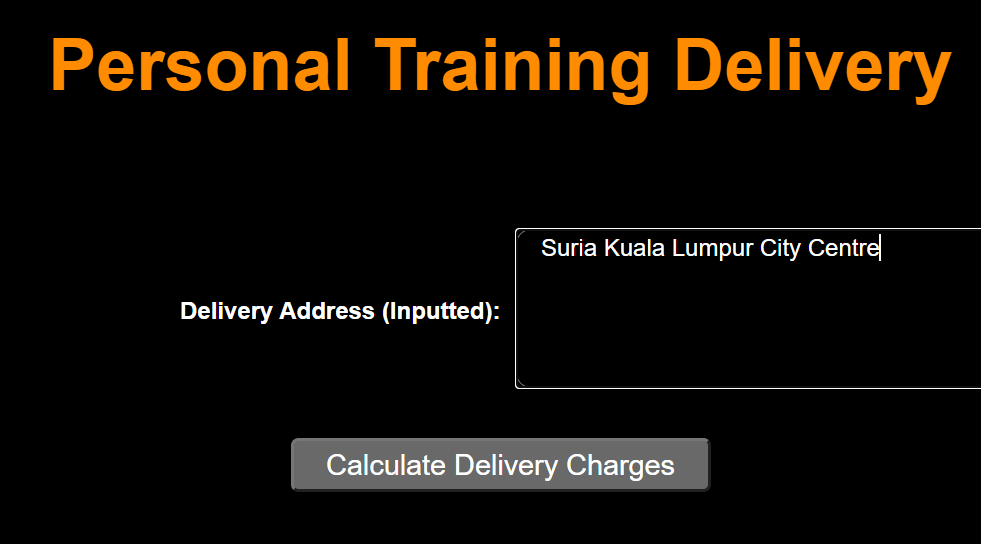
The user inputs the delivery address where he/she wants the training to be conducted. This can be an office or residence. The user then clicks "Calculate Delivery Charges". Delivery charges are calculated based on the distance of the Delivery Address from the Club.
Computed Address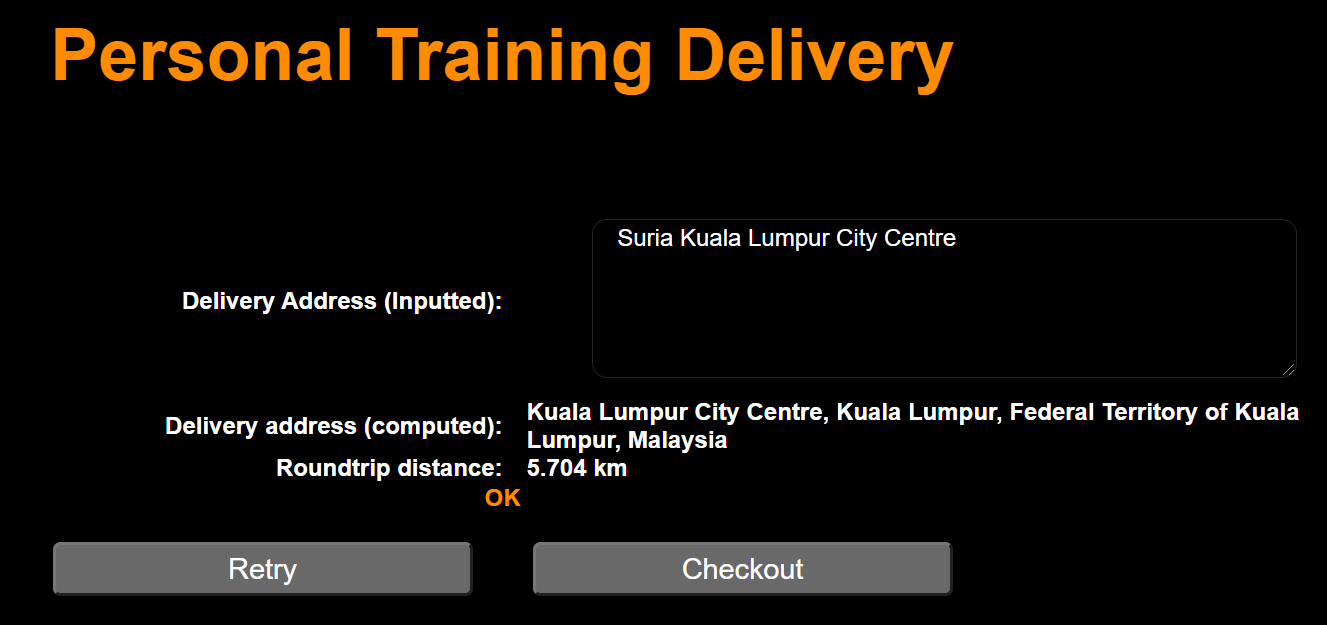
The system responds by displaying the Computed Delivery Address. The user checks that the Computed Delivery Address is correct before proceeding.
Checkout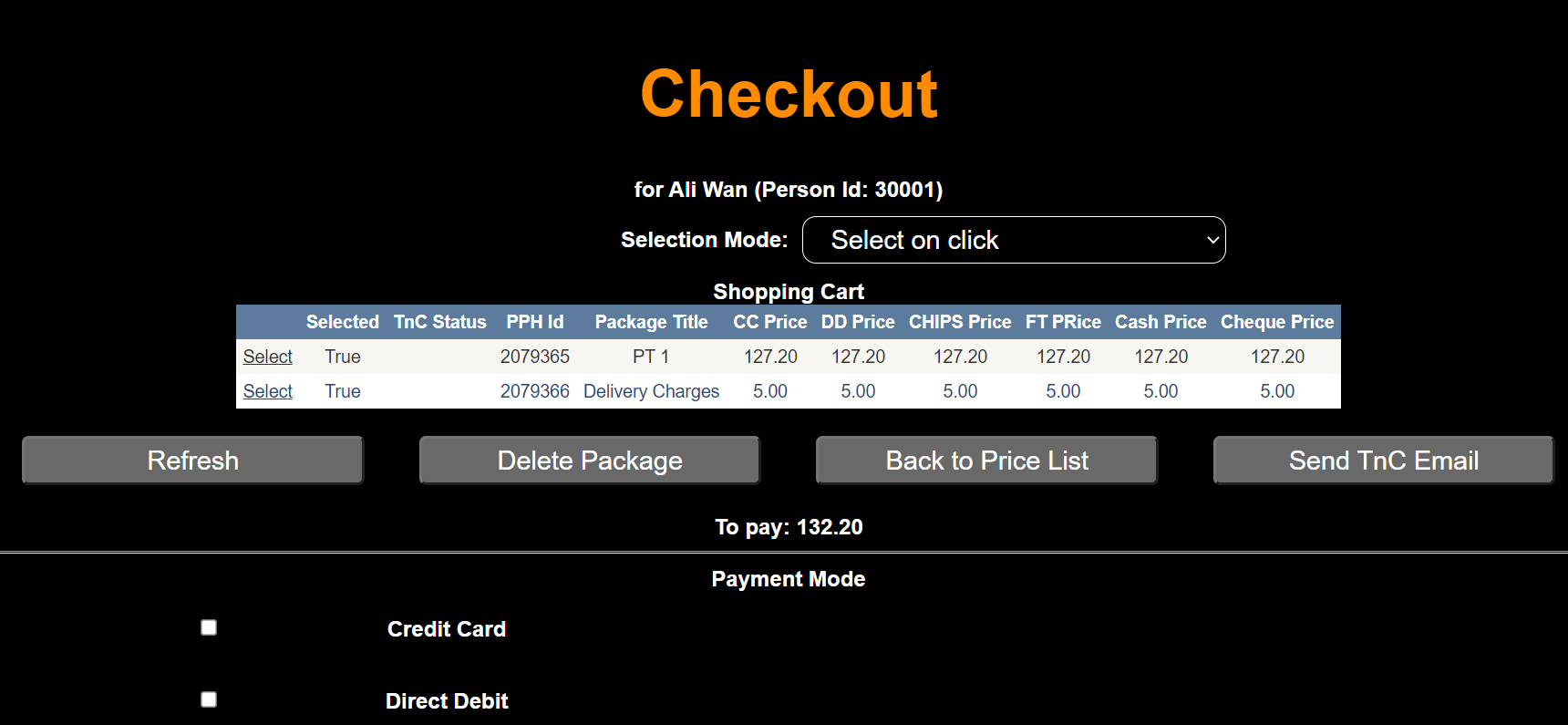
When purchasing a PT2U package, there will always be 2 items in the Shopping Cart namely the PT package and Delivery Charges. At this point, the user may proceed to purchase according to the CReME™ Purchase Process. For further information on this, please refer to CReME™-Purchase