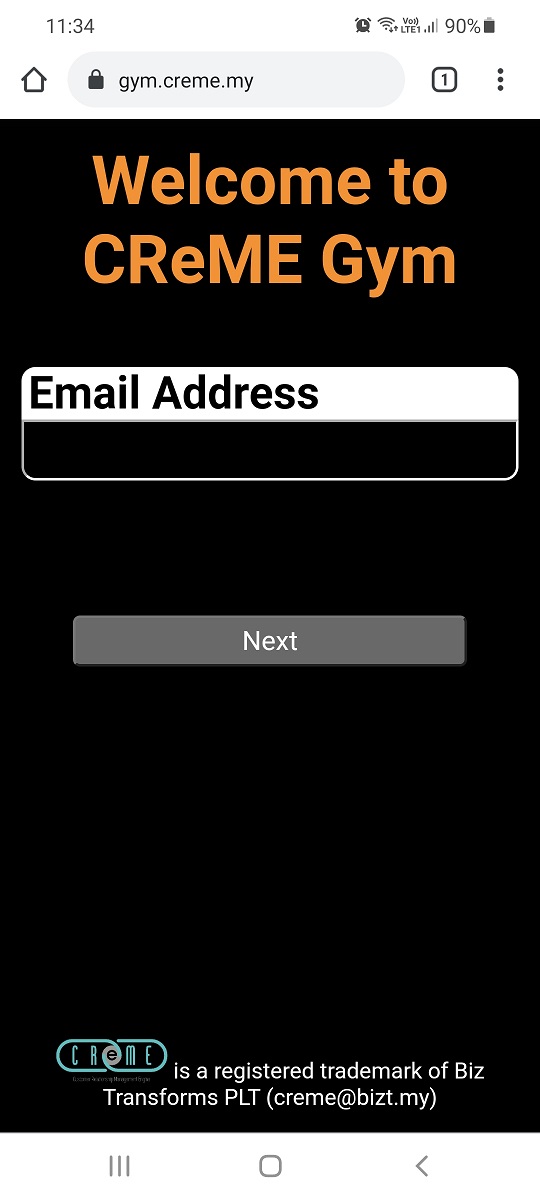
This document guides the user on how to login to the CReME™ Mobile App. This application works best when used on a mobile phone.
LoginUsing the web browser on a mobile phone, the user navigates to https://gym.creme.my
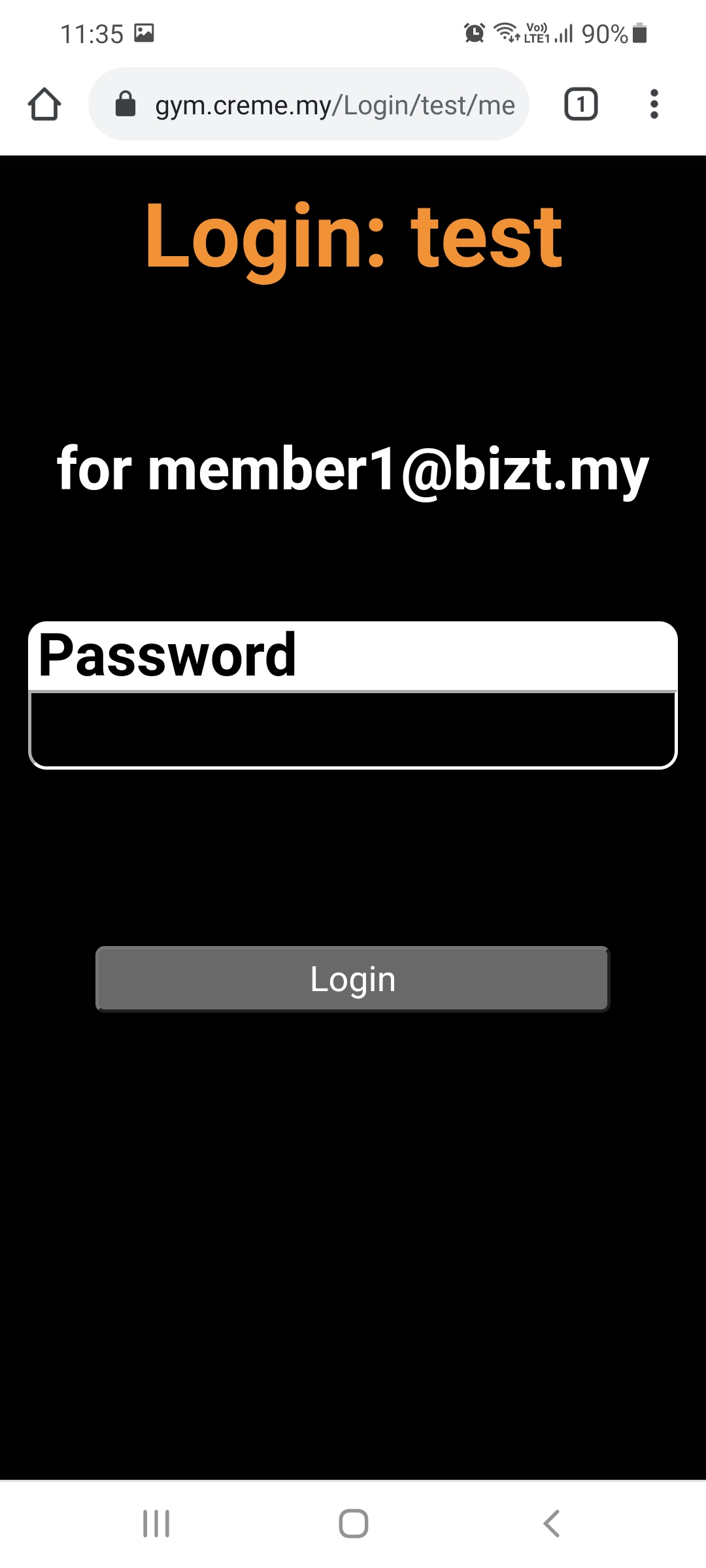
After the email address is keyed in and "Next" is clicked, the next page requests for the password.
A successful login brings the user to the "Home" page.
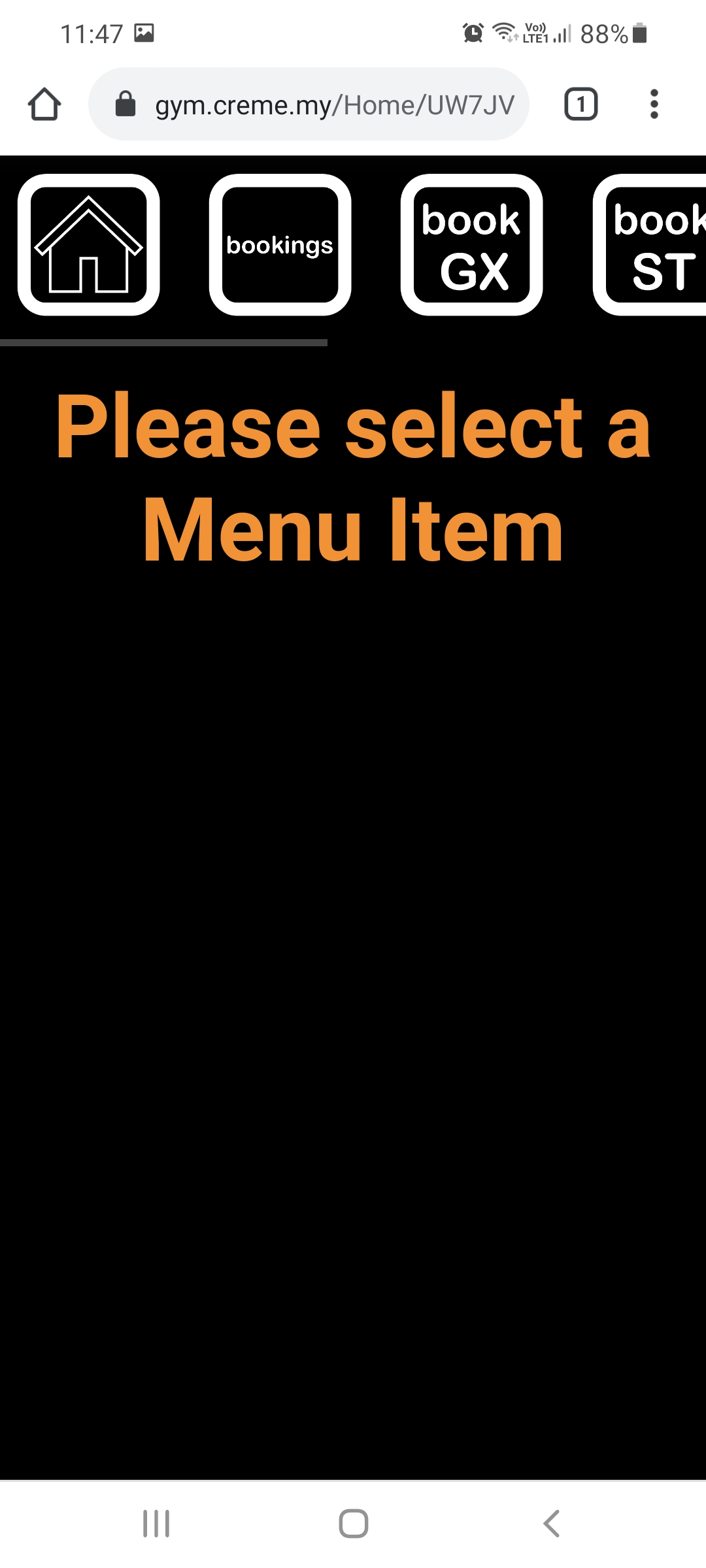
The menu at the top of the Home page provides access to all the features of the Mobile app.
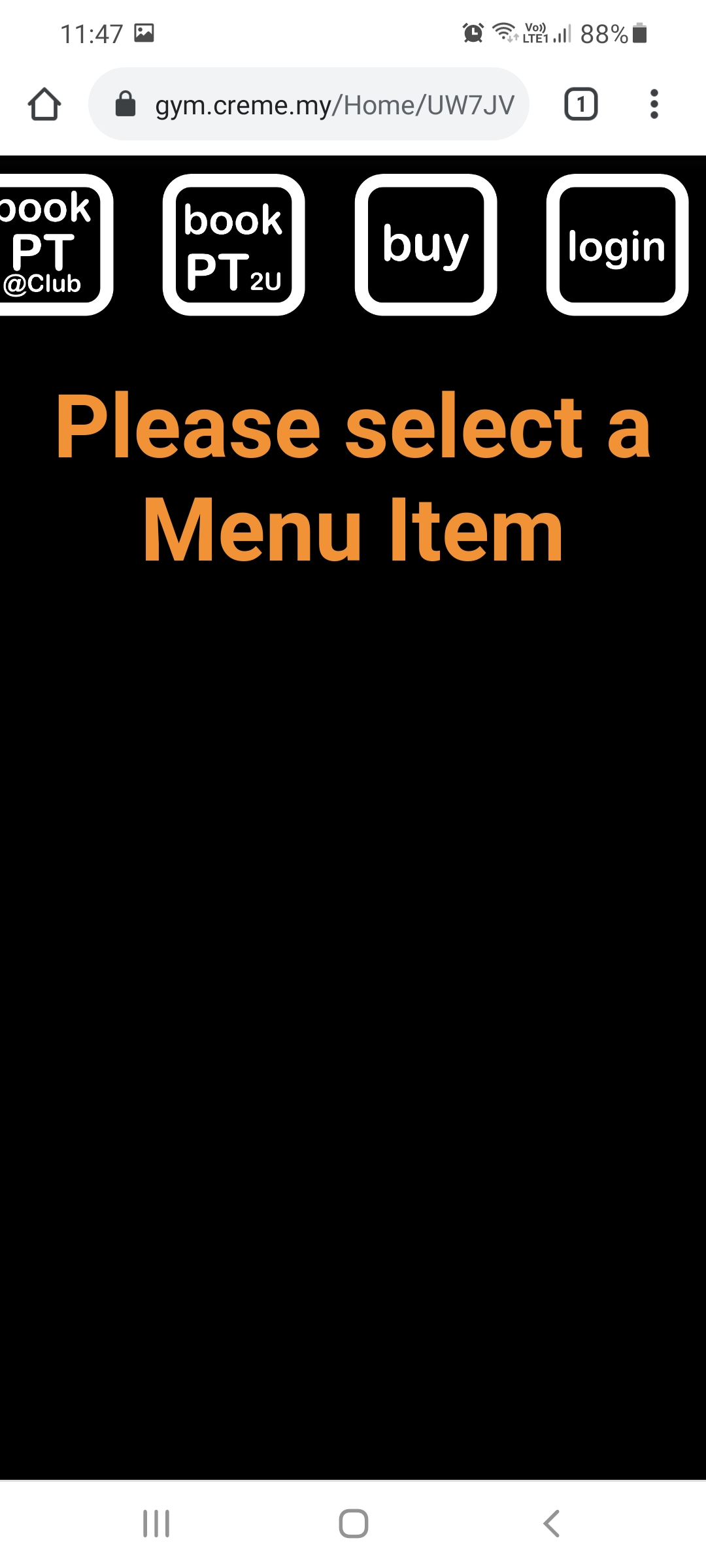
Scrolling the menu to the left displays more menu items.